OPTIONAL WATCH CONTROL
Good moment?
One tap.
Save it from your wrist.
Keep your phone on the action.
REPLAYONSave replay30s
Phone first. Watch optional. Your phone runs the camera session. Save from a paired watch—or directly on your phone.

Be in the moment. Keep it.
Start ReplayOn’s camera before the action. When something great happens, tap your phone or watch to save the last 30 seconds as a video in your gallery.
Android first. Wear OS watch optional.
In development · launch details
01 HOW IT WORKS
Point your phone at the action and start a replay session.
The app keeps a rolling 15, 30, or 60 seconds ready. Your session must stay active.
Save from your phone or optional watch. Your replay goes straight to your gallery.
 FULL HD00:32
02 STAY IN IT
Save it from your wrist.
Keep your phone on the action.
Phone first. Watch optional. Your phone runs the camera session. Save from a paired watch—or directly on your phone.
Keep the moments you choose, right in your device gallery.
03 WHERE IT FITS
The court. The pitch. Your next session.
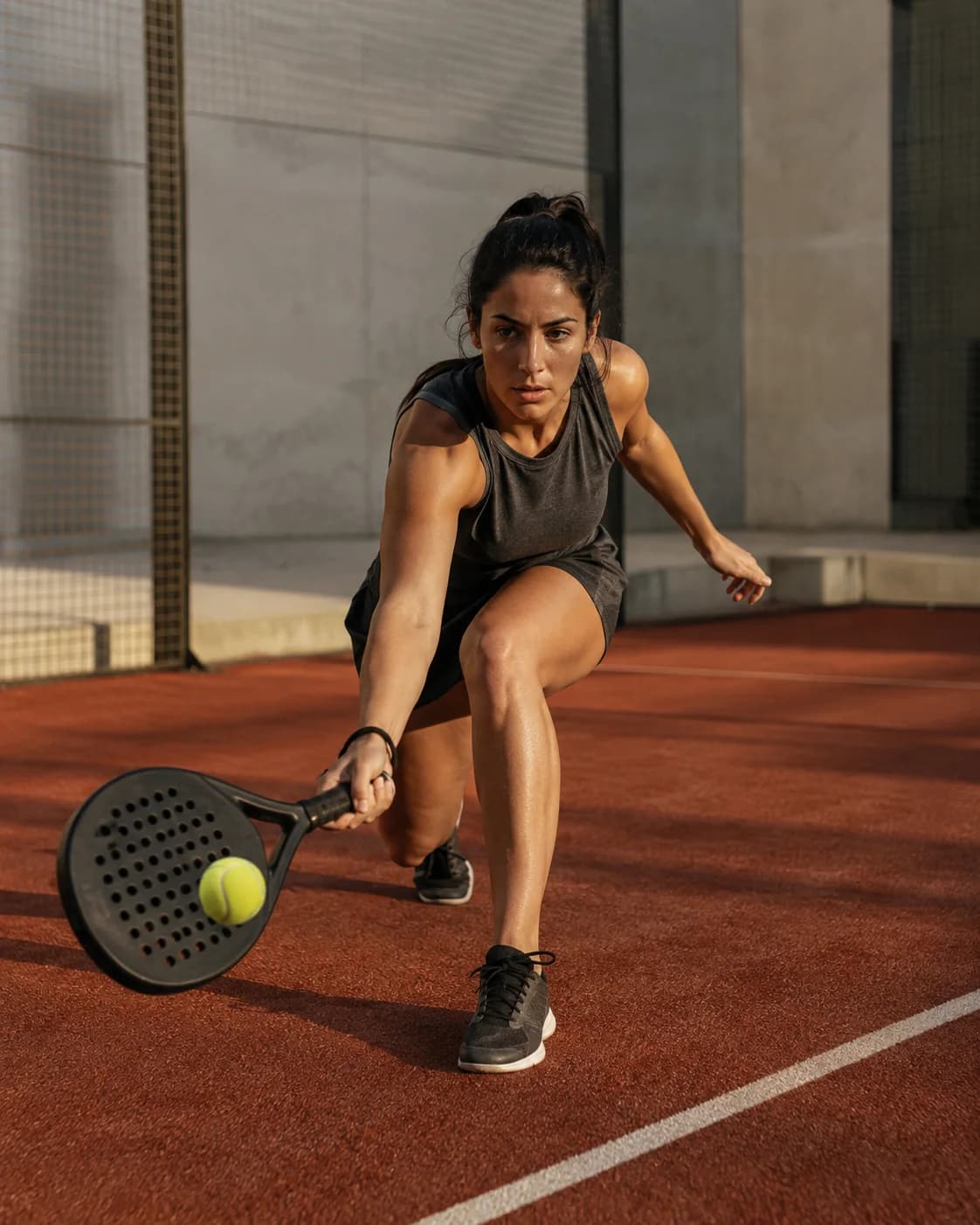 ON THE COURT
 AT THE HOOP
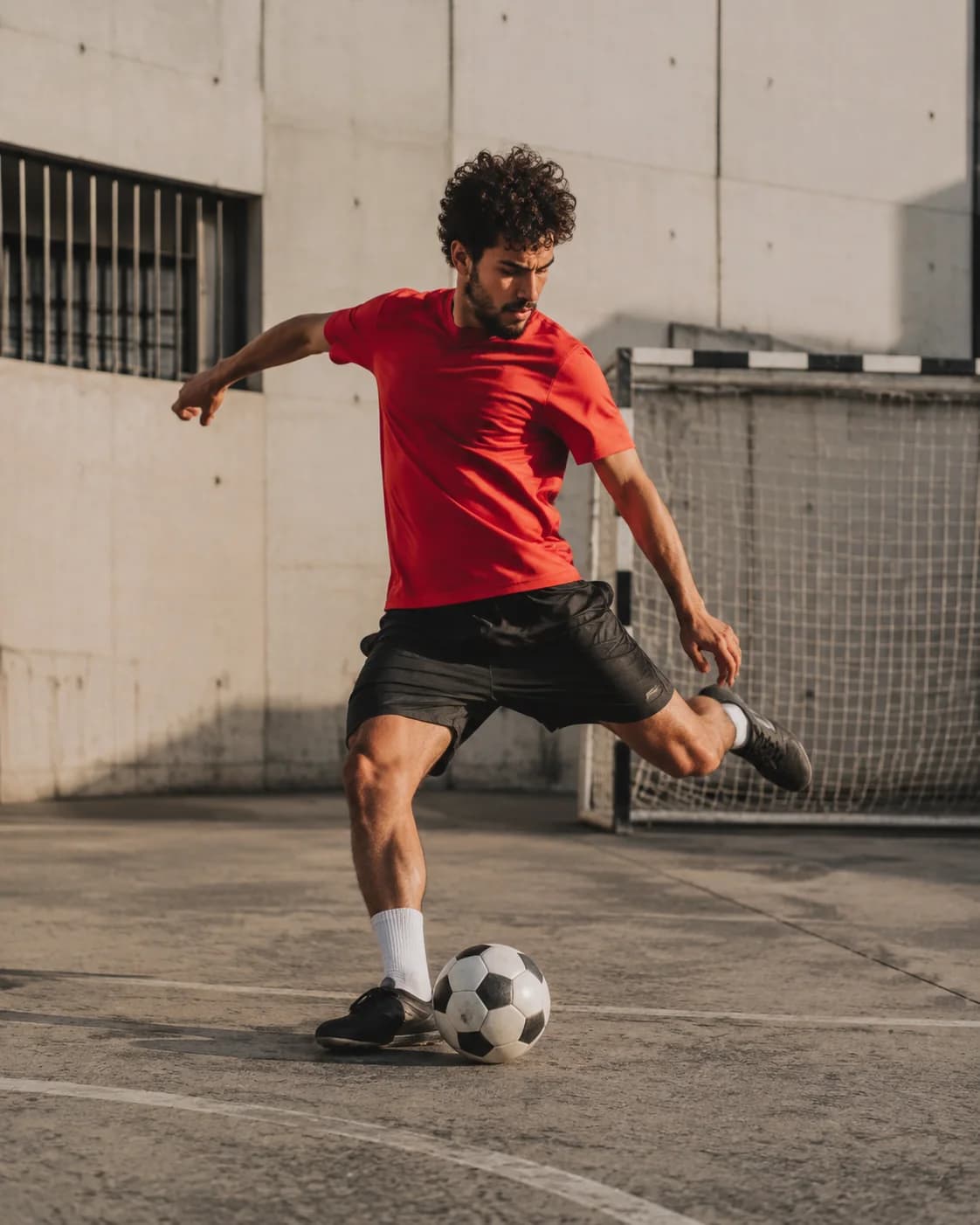 IN THE GAME
04 GOOD QUESTIONS
Exactly. Start a replay session and ReplayOn keeps a short rolling camera buffer. When something worth keeping happens, tap save to capture the last 15, 30, or 60 seconds.
Yes. Your phone needs an active ReplayOn camera session before the moment happens. Set it up with a clear view, start the session, and get back to what you’re doing.
Straight to your device gallery. The core capture experience works without an account or a cloud library. You choose what to keep and what to share.
The Wear OS companion lets you save a replay from your wrist while your phone has an active session. Your phone handles the camera; your watch handles the tap.
No. You can start a session and save replays from your phone. A paired Wear OS watch is an optional remote, not a requirement.
ReplayOn is launching on Android first. A Wear OS watch is optional. Supported Android versions and devices will be confirmed before release; an iPhone launch has not been announced.
ReplayOn is in development, not available to download here yet. The launch list will share availability and early-access details; joining does not unlock an immediate download.
ReplayOn is coming to Android first, with optional Wear OS control. Launch timing hasn’t been announced yet.
We’re getting the launch list ready. Please check back—we aren’t collecting email addresses yet.
Have a question while you wait?
Visit the help page ↗